
Every tool, explained
One workspace for repeat design, color, stencil, 3D presentation and production export
Ctr-L Pattern Generator combines the steps that normally require several applications. Build the repeat, refine the artwork, preview it on products and export production-ready files without breaking the workflow.
32repeat systems19blend modes
17wallpaper groups32systems
01 / REPEAT
The complete repeat engine
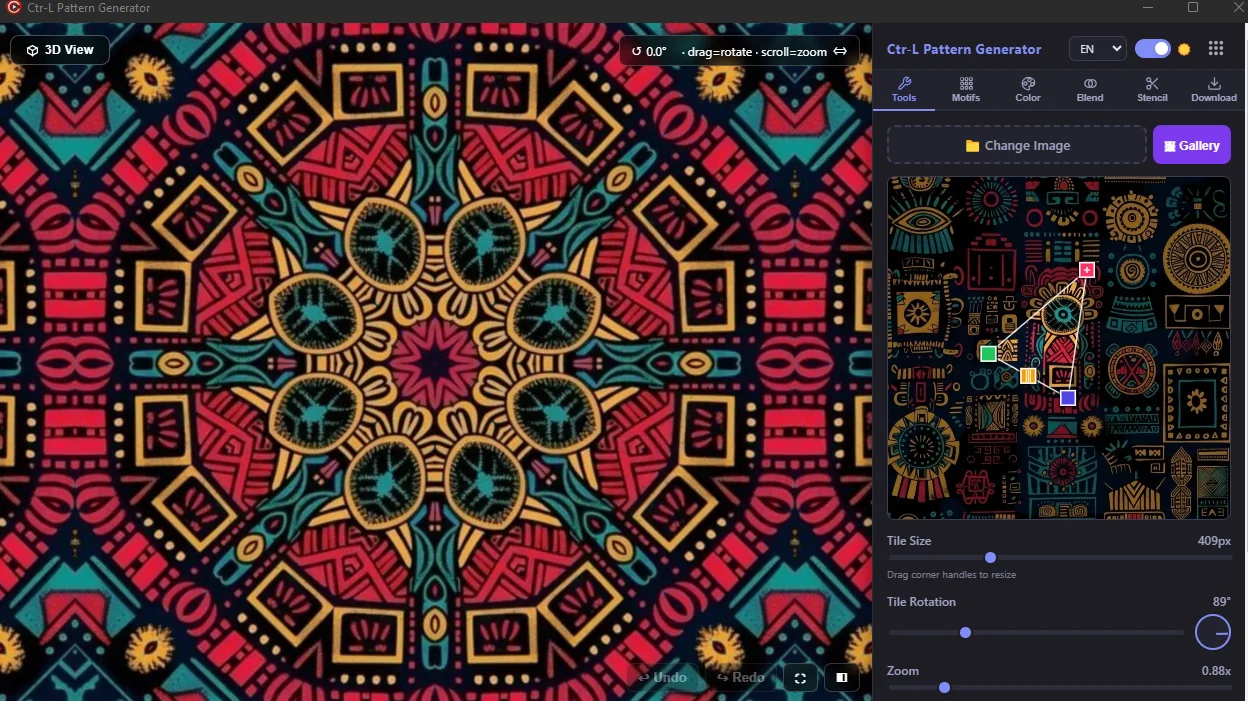
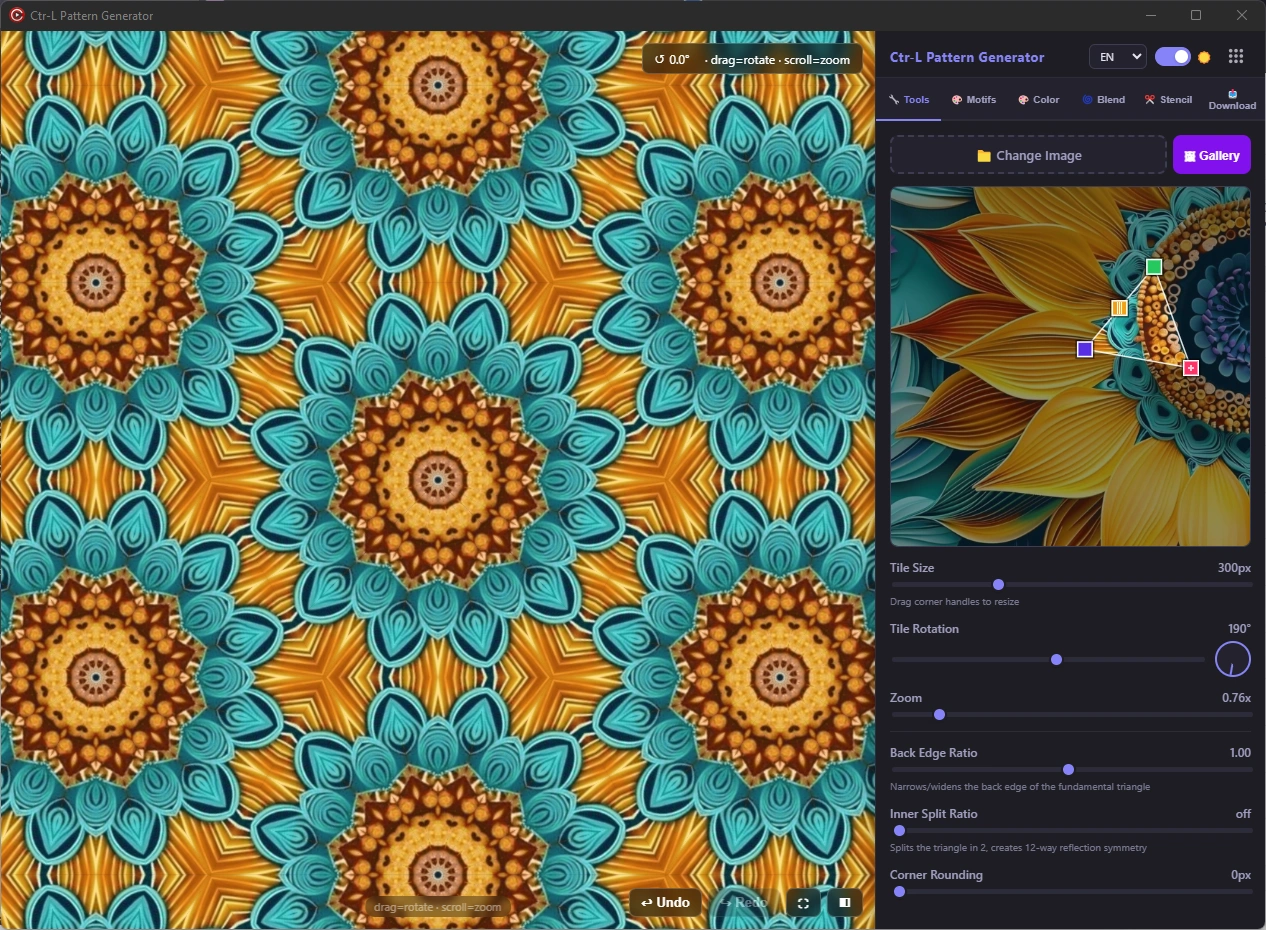
Choose from 32 repeat and motif systems, including all 17 classical wallpaper groups, then adjust the source directly on the canvas.
P1 · P2 · PM · PG · CM · PMM · PMG · PGG · CMM · P4 · P4M · P4G · P3 · P3M1 · P31M · P6 · P6M
- ✓Drag the artwork, resize it from corner handles and rotate the source while the result updates live.
- ✓Control tile size, zoom, back-edge ratio, internal division and corner rounding.
- ✓Use mirror, rotational, brick, bloom, echo and free-layout families alongside the wallpaper groups.
- ✓Save a full pattern, one seamless tile or a single motif from the same project.
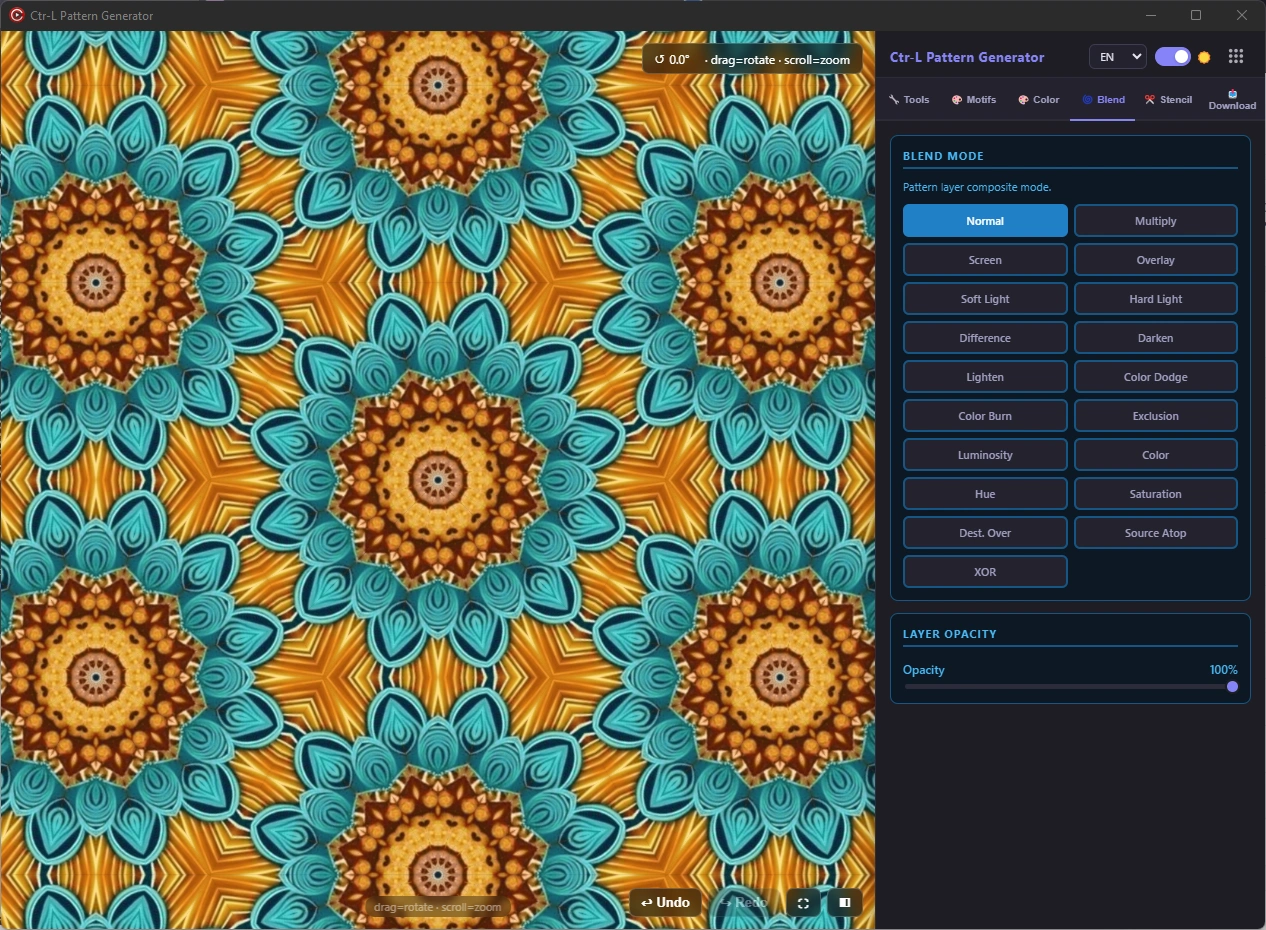
MultiplyScreenOverlaySoft LightHueLuminosity
02 / COLOR
A real color and compositing studio
Correct the source, build variations and test layer relationships without leaving the pattern workspace.
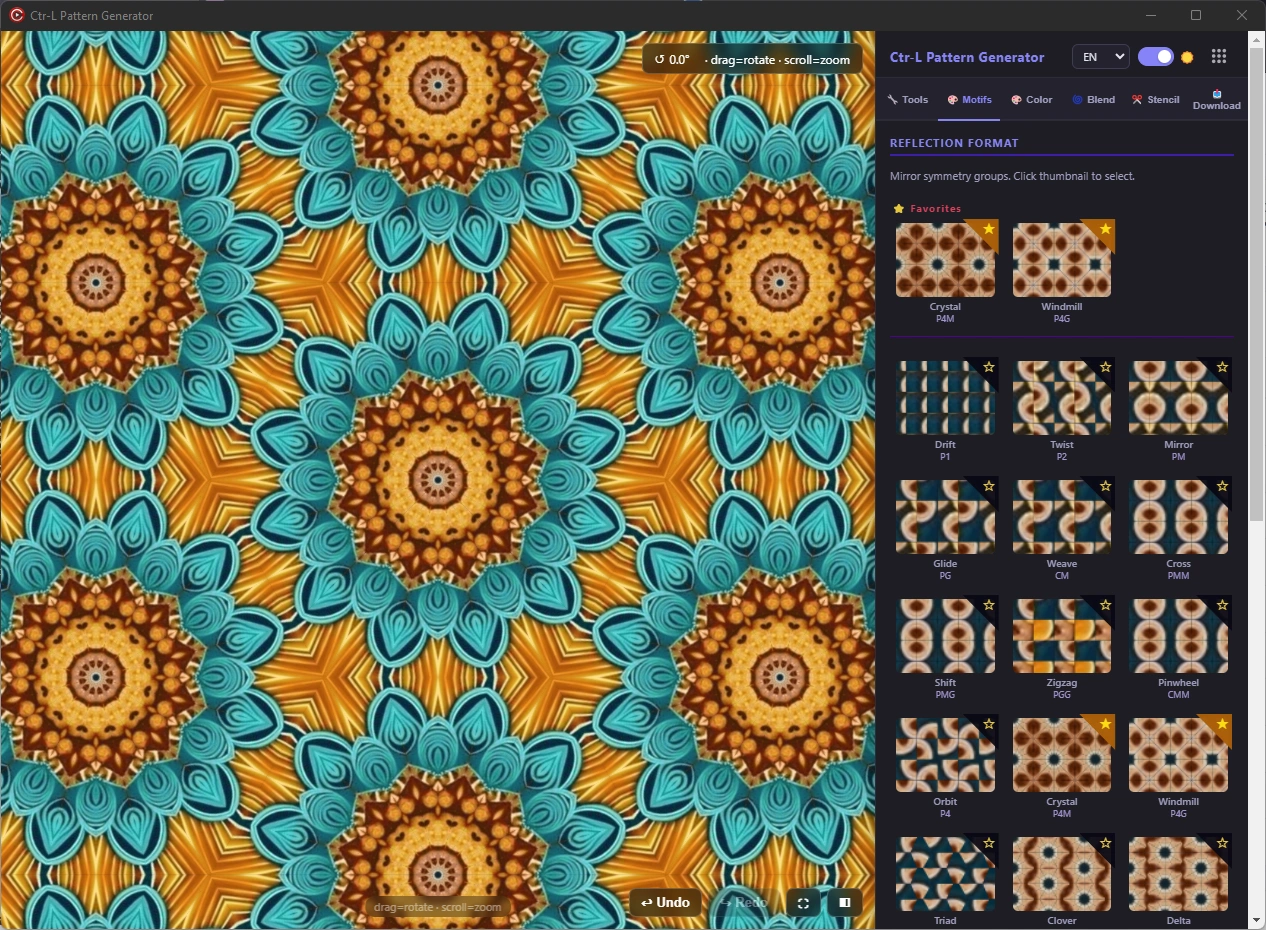
- ✓Hue, saturation, brightness, contrast, exposure and gamma controls.
- ✓Temperature, tint, vibrance, highlights, shadows, whites, blacks and opacity.
- ✓Invert, grayscale and sepia transformations with one-click reset.
- ✓19 blend modes including Multiply, Screen, Overlay, Soft Light, Difference, Hue, Color, Saturation and Luminosity.
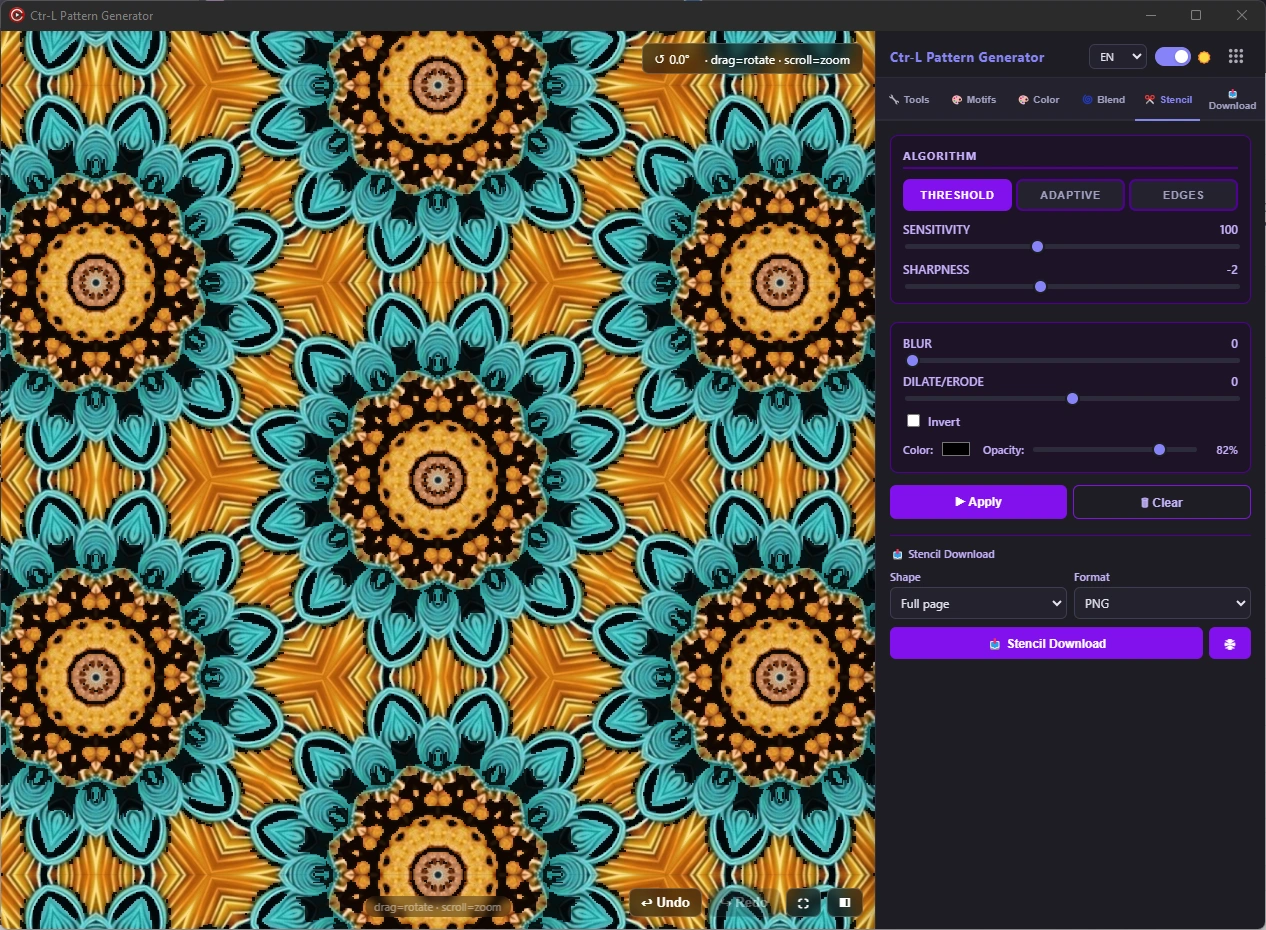
ThresholdAdaptiveEdges
03 / STENCIL
Turn the artwork into a controllable stencil
Generate clean print-mask or cut-ready interpretations with adjustable algorithms instead of accepting a fixed automatic result.
- ✓Threshold, adaptive and edge-detection algorithms.
- ✓Sensitivity, sharpness, blur and expansion/contraction controls.
- ✓Invert the result and set stencil color and opacity for inspection.
- ✓Export the stencil as PNG, SVG or a ZIP package.
04 / 3D STUDIO
Present the pattern on real products before export
The integrated 3D viewer helps you judge scale, direction and visual rhythm in context—not only on a flat canvas.
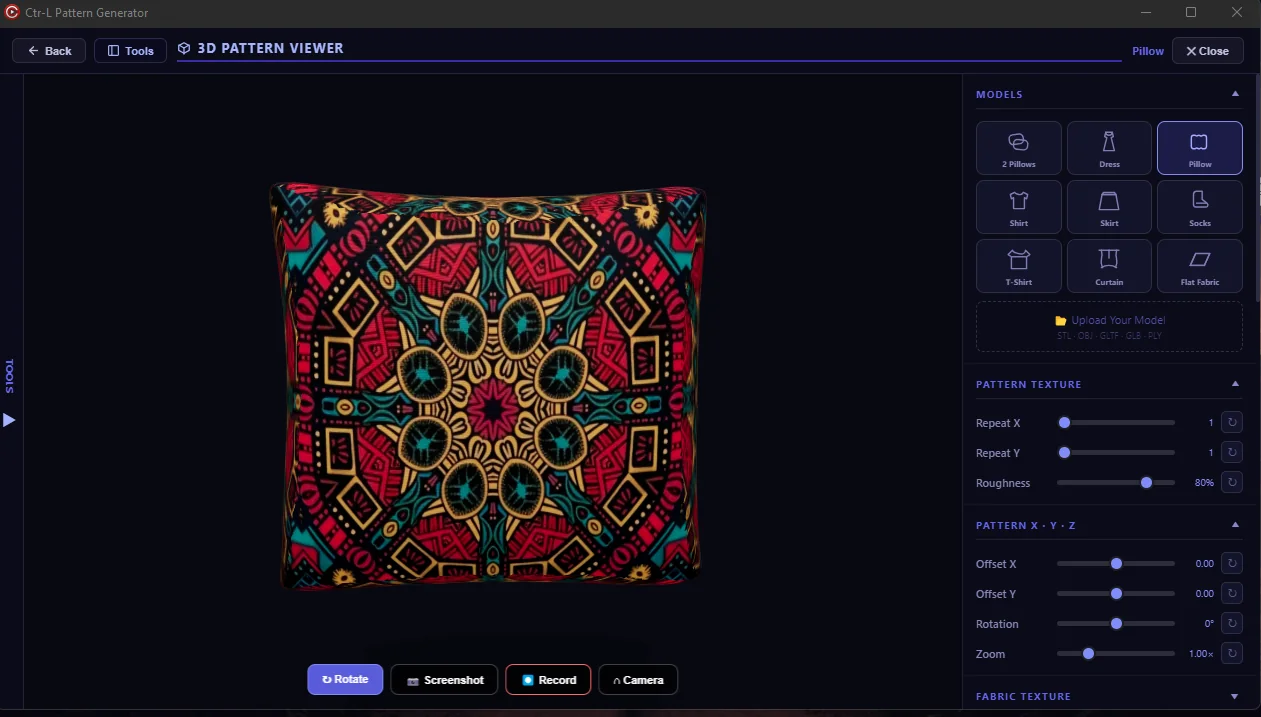
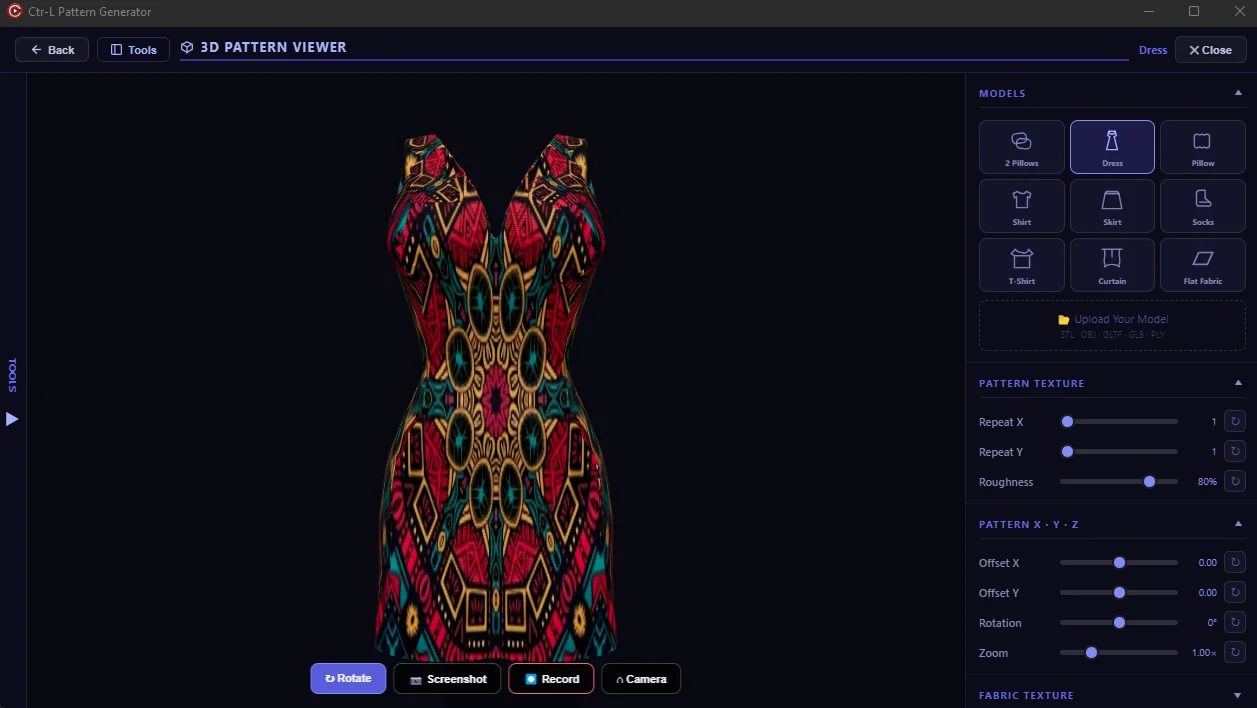
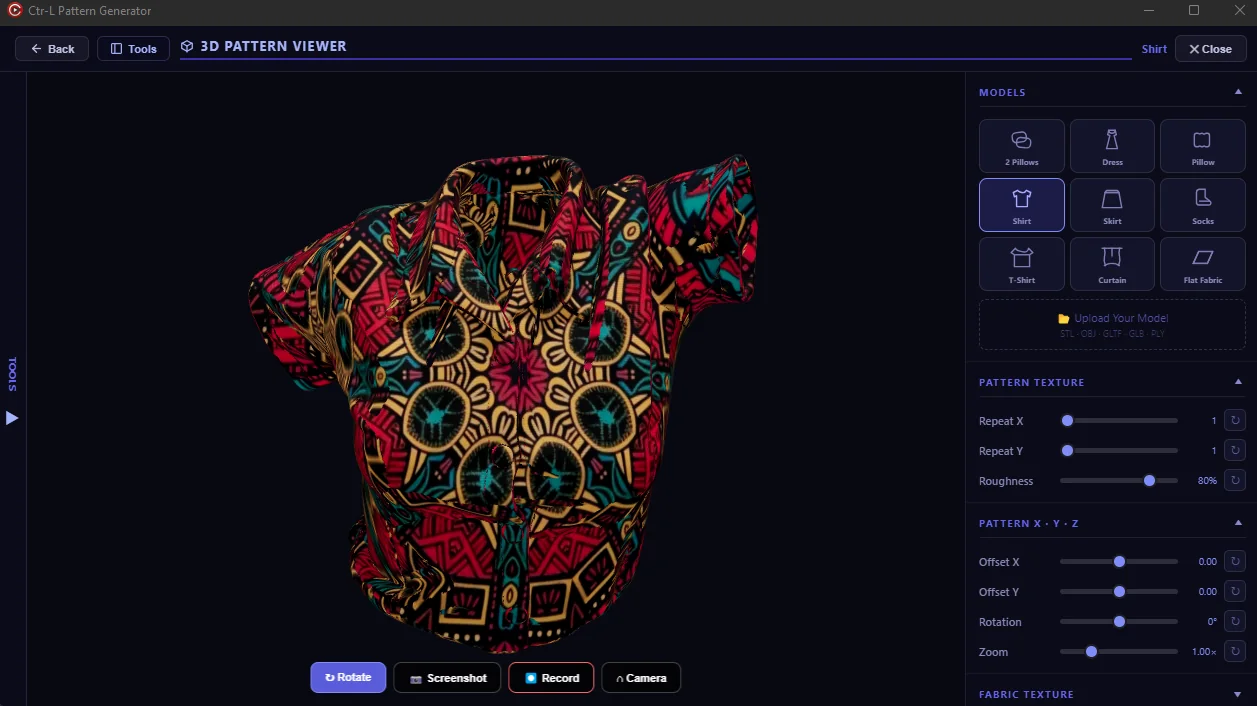
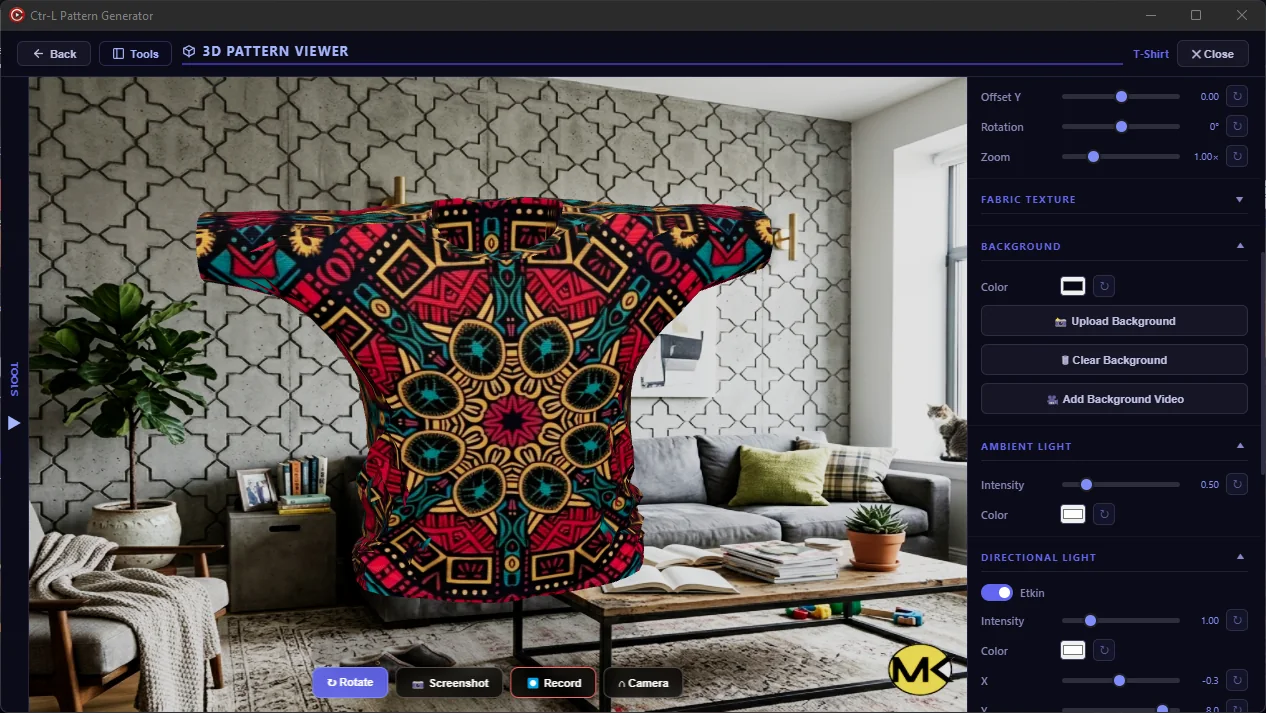
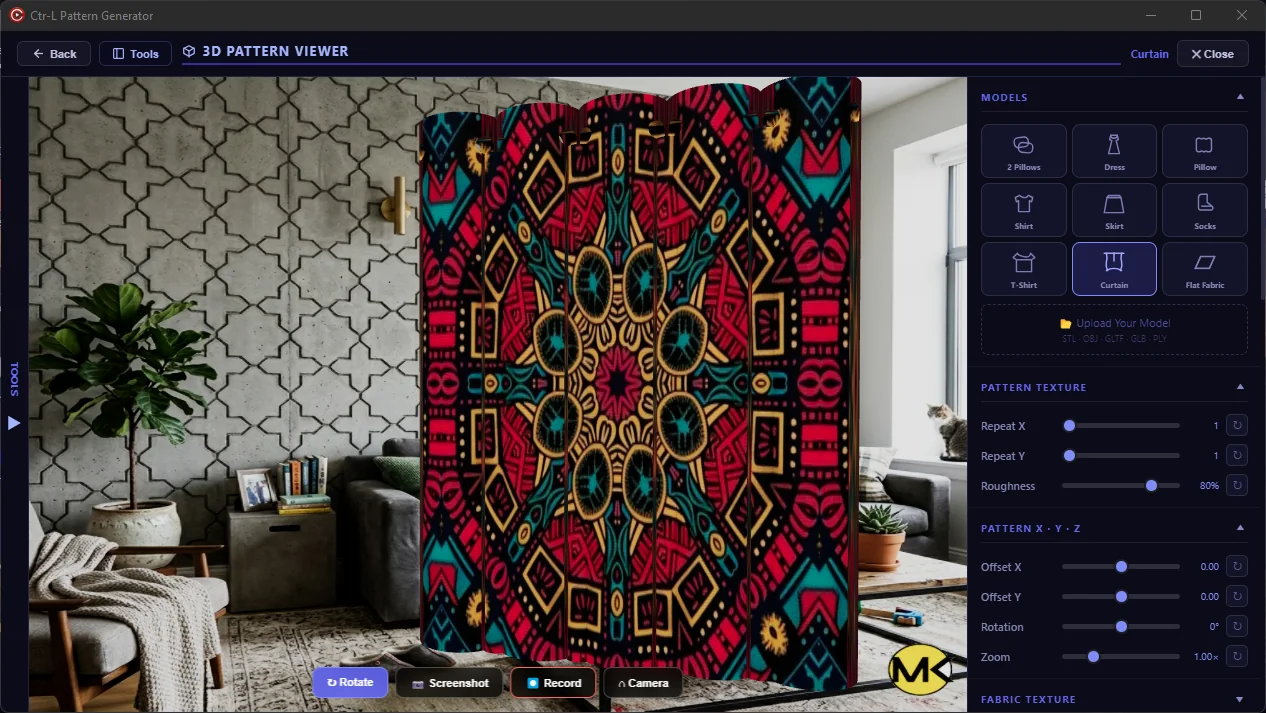
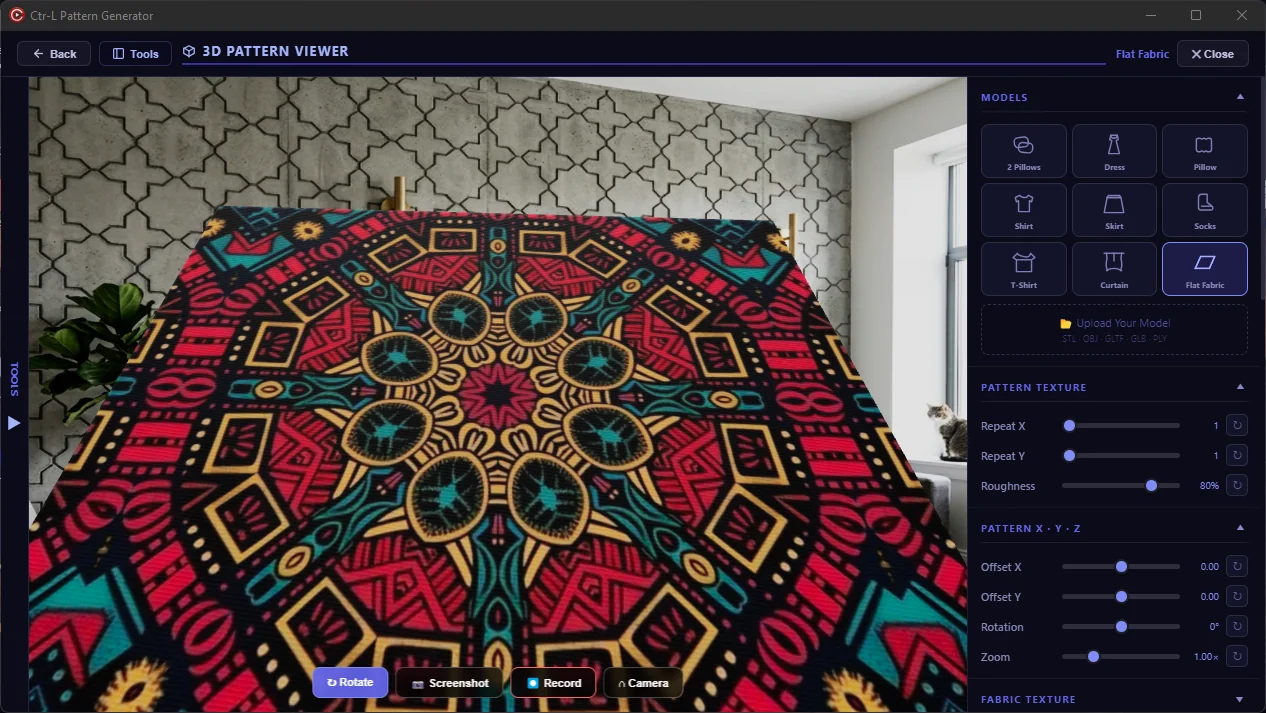
- ✓Nine built-in models: two pillows, dress, pillow, shirt, skirt, socks, T-shirt, curtain and flat fabric.
- ✓Import your own STL, OBJ, GLTF, GLB or PLY model.
- ✓Adjust repeat X/Y, offset, rotation, zoom, roughness, material texture, lights, shadows and background.
- ✓Capture high-resolution screenshots or record a 5–60 second product video.
STLOBJGLTFGLBPLY4KVIDEO
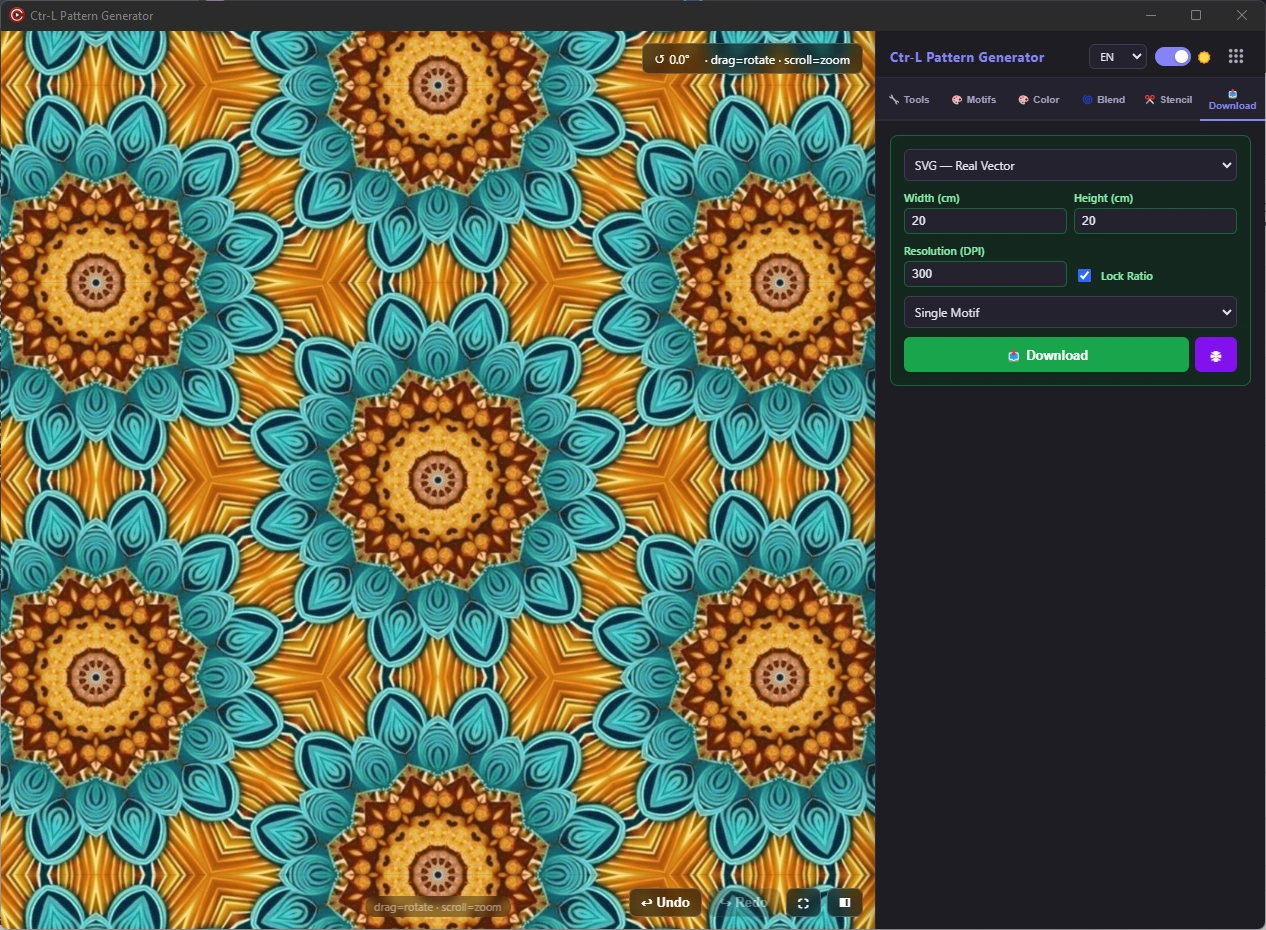
PNGJPGWebPSVGPDFZIP
05 / EXPORT
Production output from the same master project
Move from creative exploration to marketplace, print and client delivery without rebuilding the design.
- ✓PNG, JPG, WebP, SVG and print-ready PDF.
- ✓Custom physical width and height in centimetres with 72–800 DPI.
- ✓4K preset plus full pattern, seamless tile and single-motif output modes.
- ✓Batch ZIP delivery for multiple formats and stencil assets.
06 / WORKFLOW
A workflow designed to keep decisions reversible
The application keeps creation, inspection and delivery connected.
Import and build the repeat
Open a visual, choose one of 32 repeat systems and refine scale, position, rotation and geometry live.
Develop color and product presentations
Create colorways, blend variations and test the result on 3D products with controlled lighting and materials.
Export every required deliverable
Prepare marketplace images, print files, vectors, PDFs, stencils and ZIP packages from the same project.
CTR-L PATTERN GENERATOR
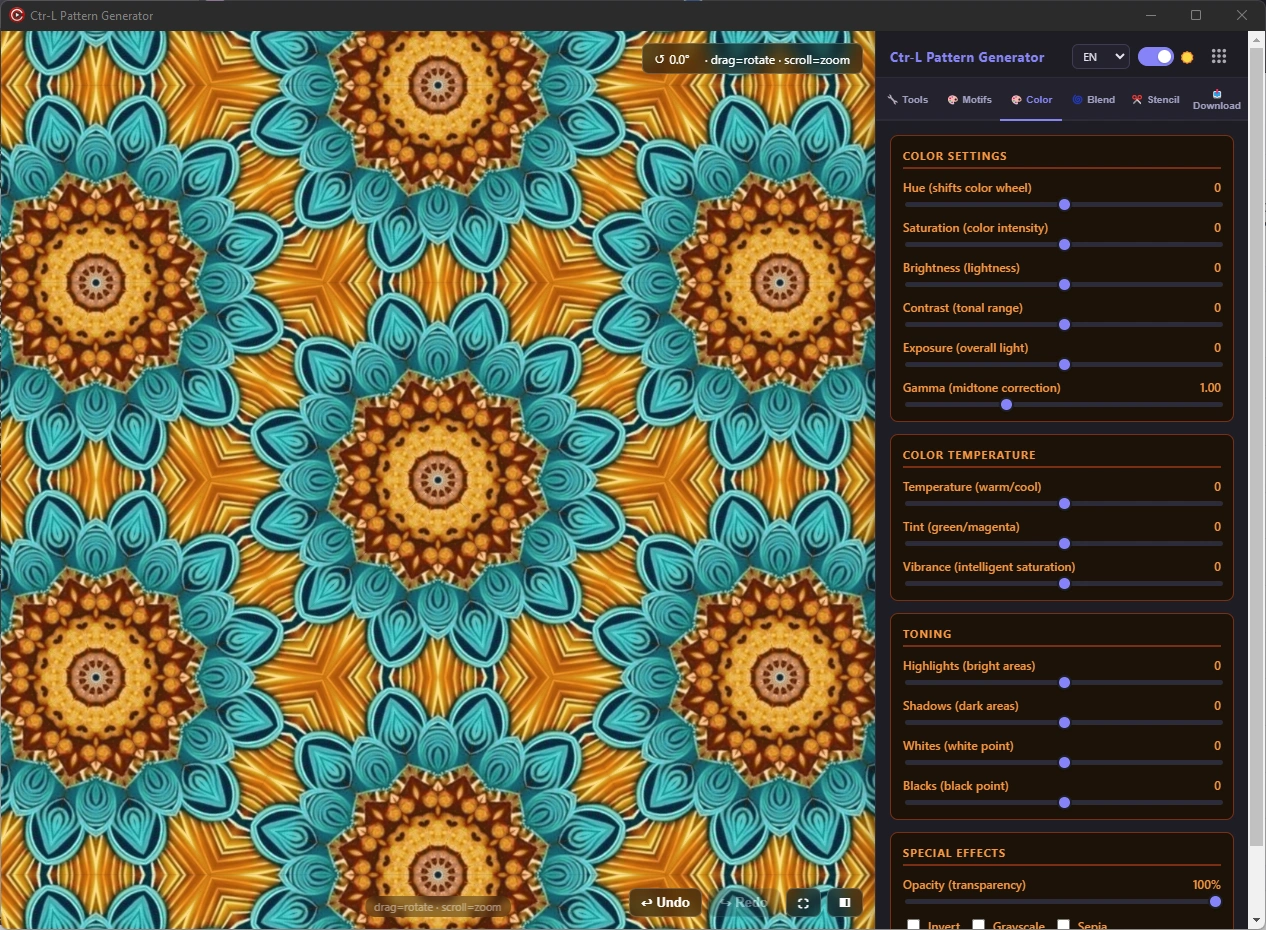
See the real application screens
Explore the current Windows interface and 3D product results, then download the built-in trial.