Pattern systems
17 wallpaper groups plus creative repeat structures.

Build mathematically precise repeats, create color variations, prepare stencils, test designs on 3D products and export production-ready files from one Windows workspace.
One focused workflow for pattern design, product presentation and professional export
17 wallpaper groups plus creative repeat structures.
Professional compositing controls for richer variations.
Clothing, home textile and custom model previews.
High-resolution output for print and marketplaces.
Select a marketplace logo to open its step-by-step sales guide.
The application combines repeat engineering, color development, stencil preparation, 3D product presentation and production export.
 01
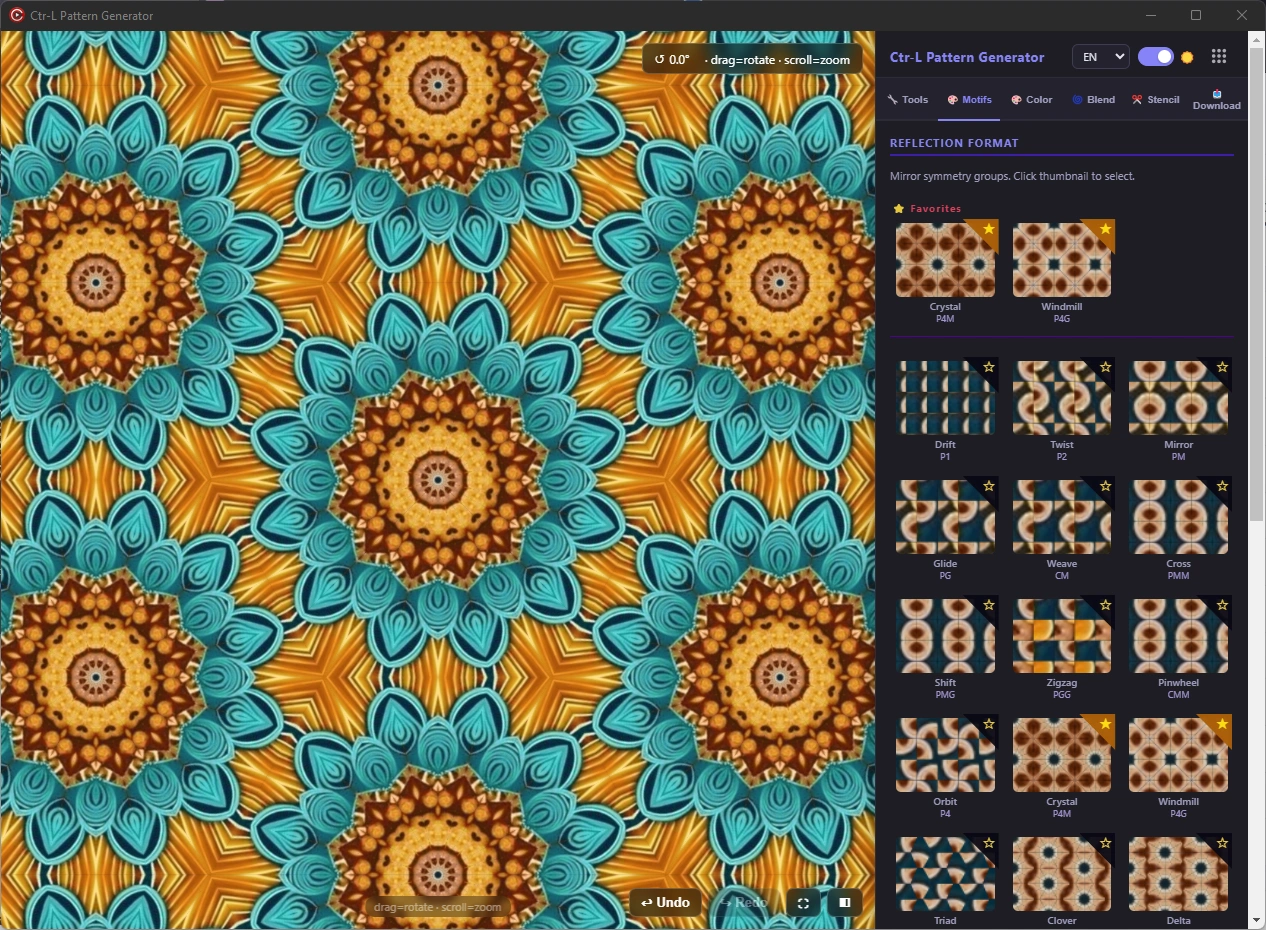
01Use all 17 wallpaper groups together with honeycomb, square, triangle, bloom, echo, brick and freeform structures.
See the complete feature →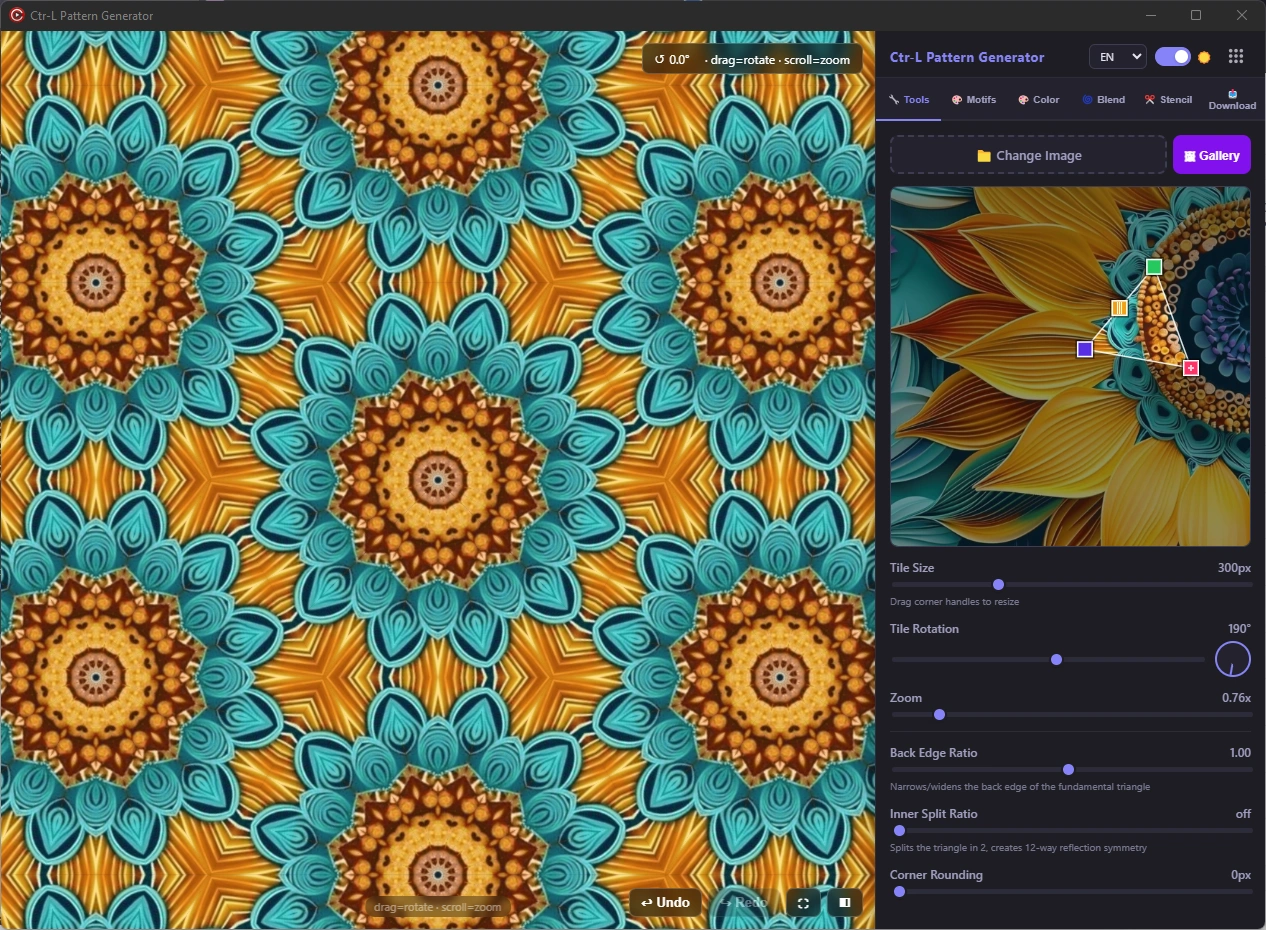 02
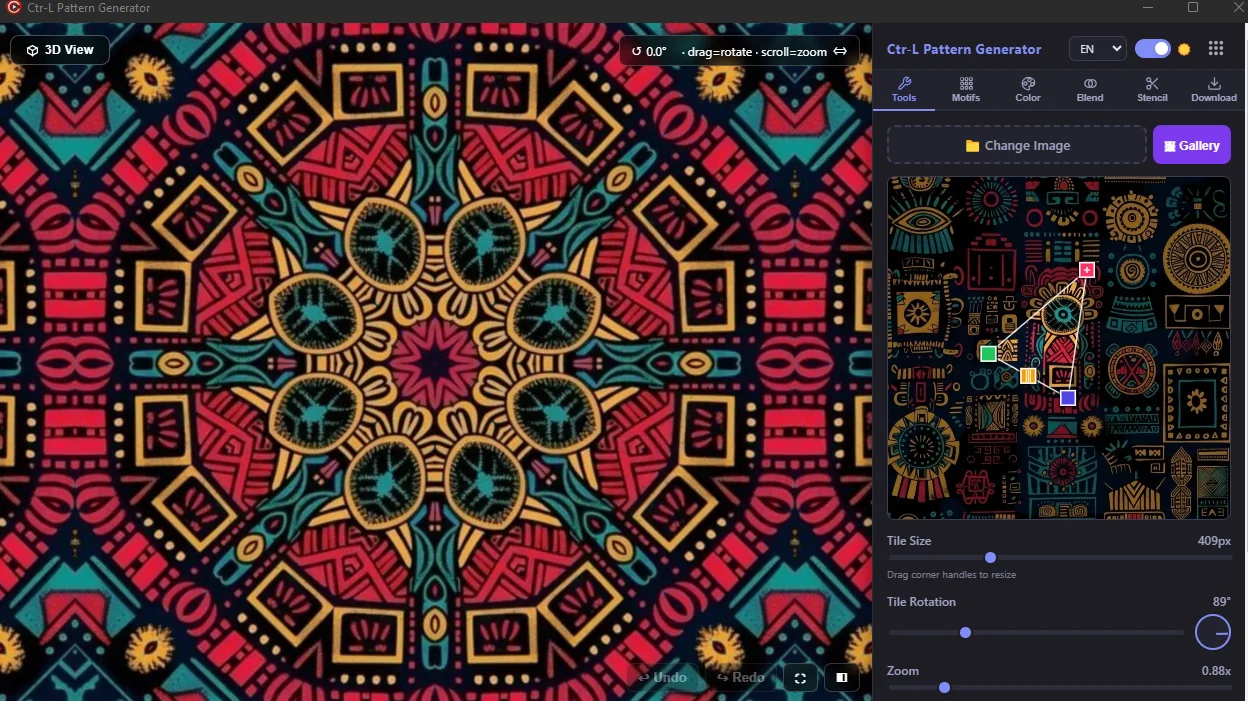
02Move the source, resize with handles, rotate, zoom, round corners and refine the repeat while watching the result live.
See the complete feature →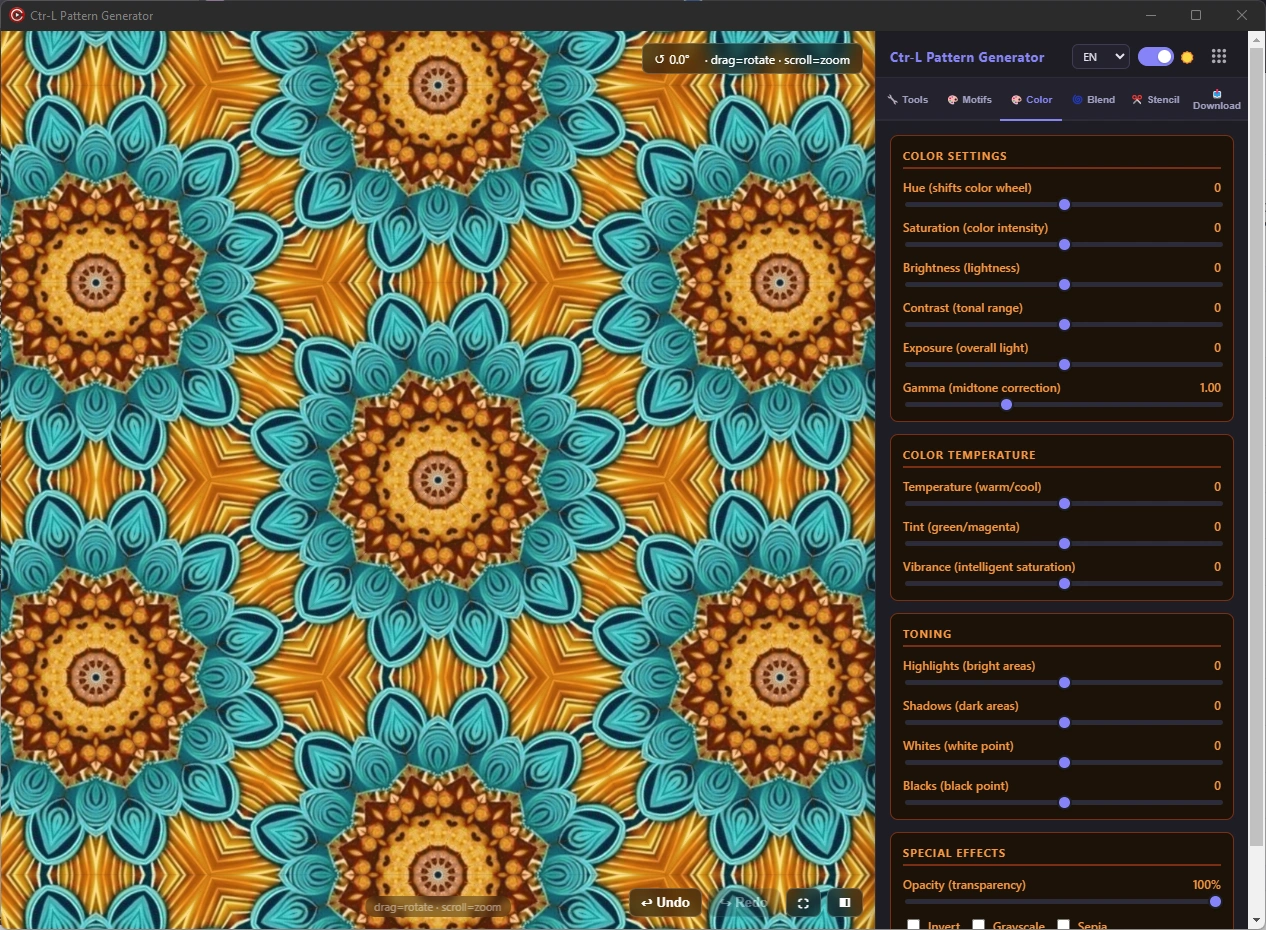 03
03Adjust hue, saturation, exposure, gamma, temperature, tint, vibrance, highlights, shadows, whites and blacks.
See the complete feature →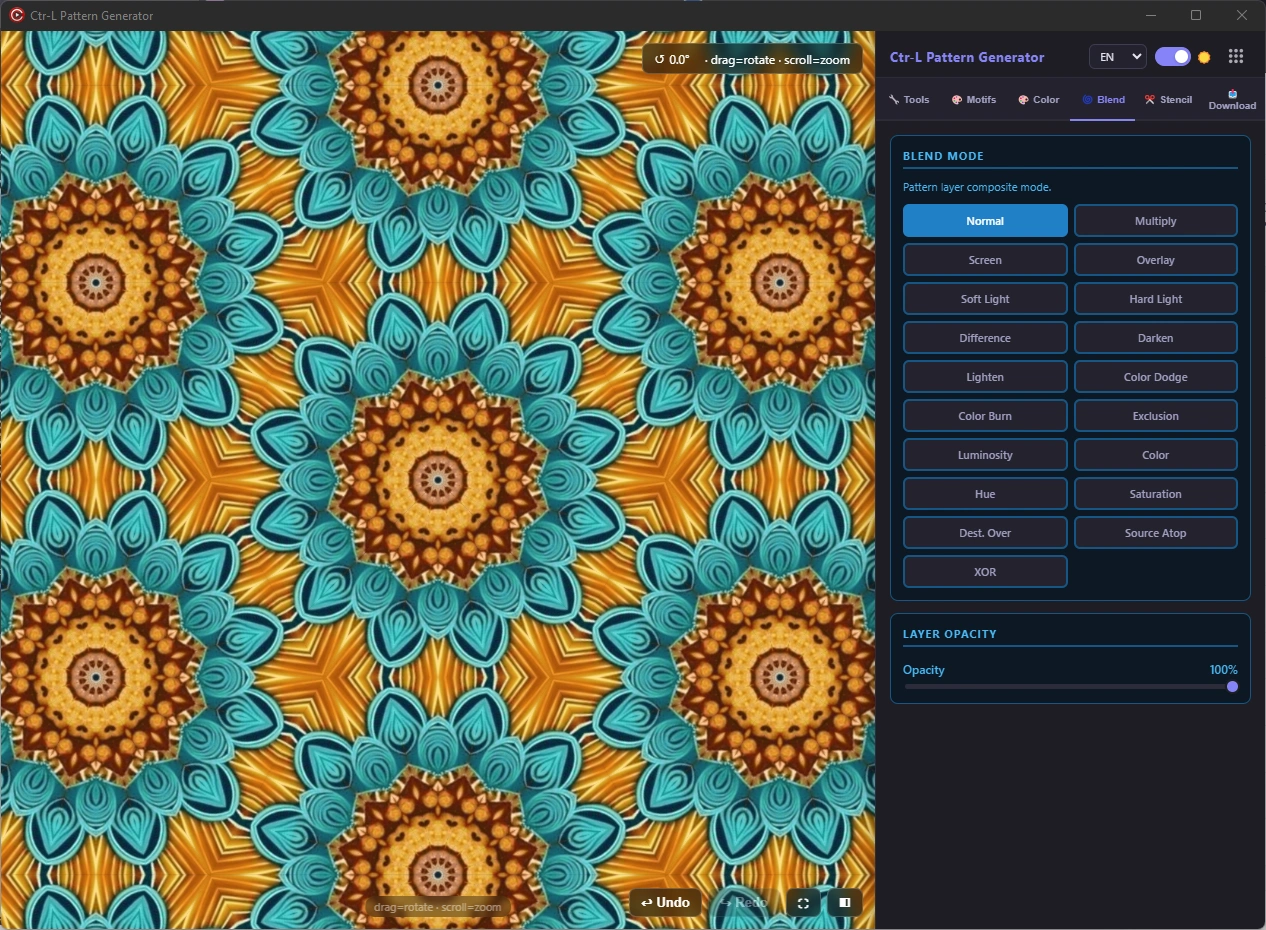 04
04Combine pattern layers with Multiply, Screen, Overlay, Soft Light, Color Dodge, Luminosity, Hue and more.
See the complete feature →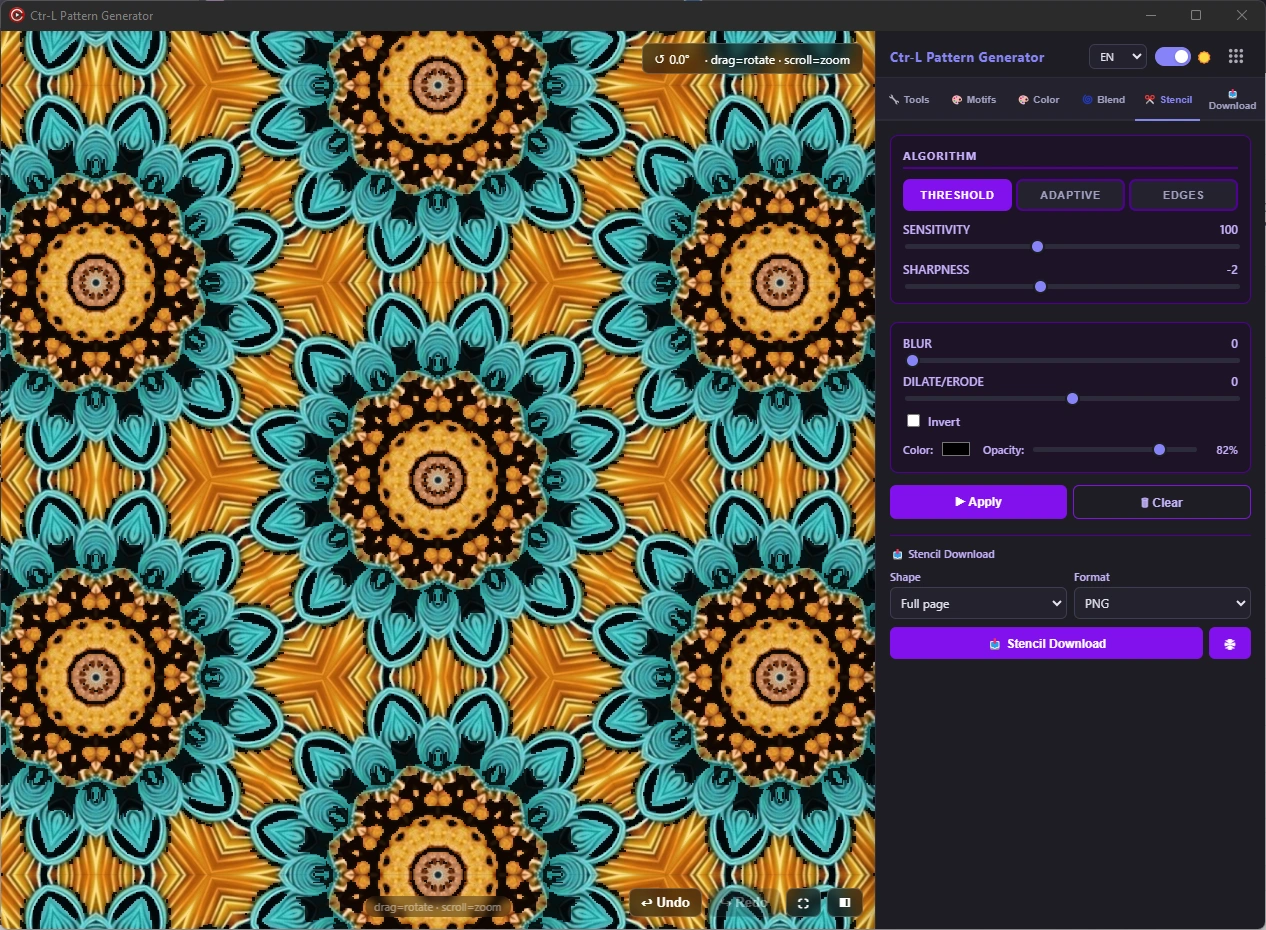 05
05Create threshold, adaptive or edge-based stencils with blur, expansion, inversion, color and opacity controls.
See the complete feature →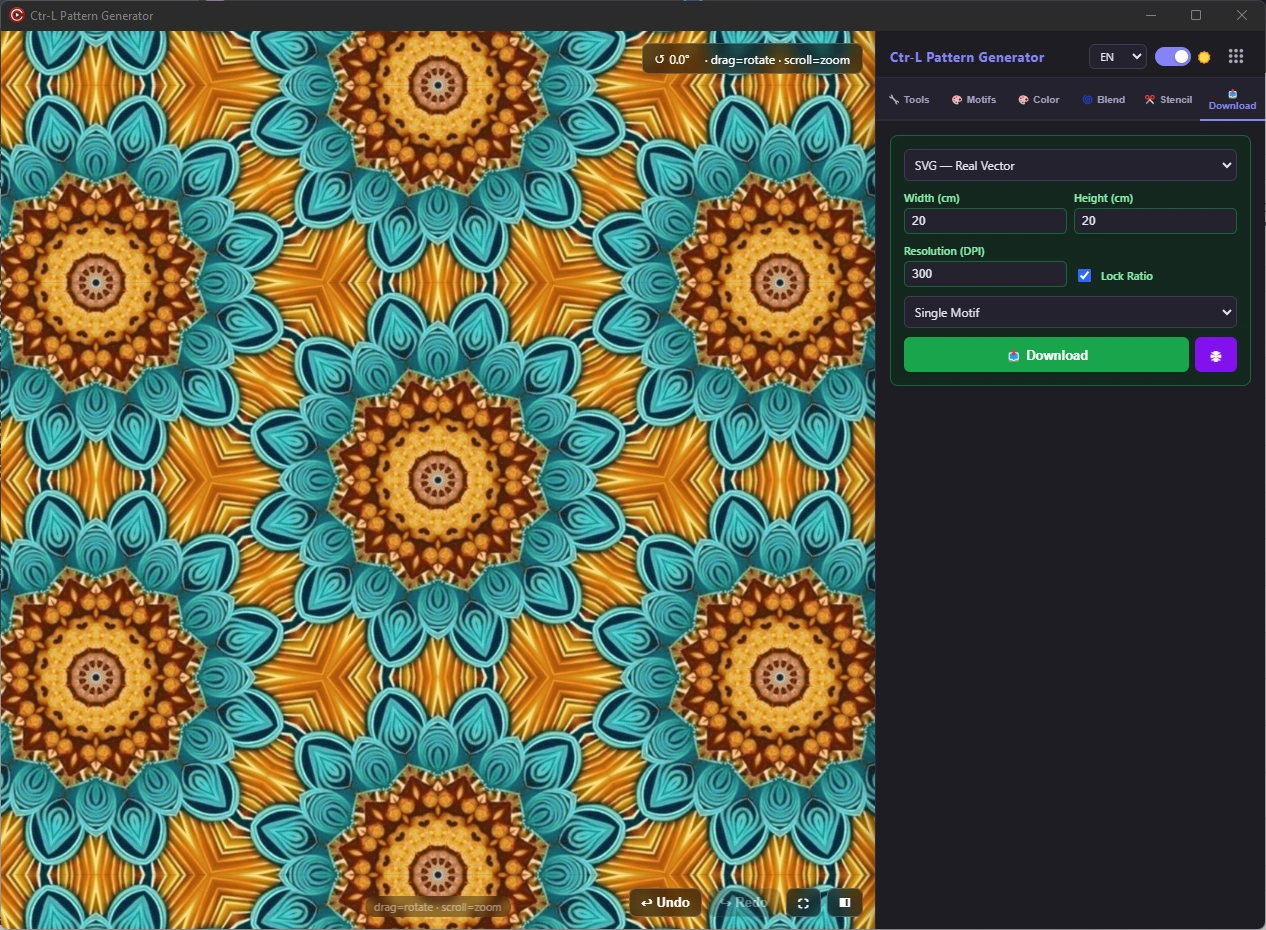 06
06Export PNG, JPG, WebP, true vector SVG and print PDF in custom centimetres and 72–800 DPI.
See the complete feature →
Choose a repeat family, position the source image and watch the complete surface rebuild in real time.
The color panel combines photographic corrections with pattern-focused blend controls, so one source can become a coordinated collection.
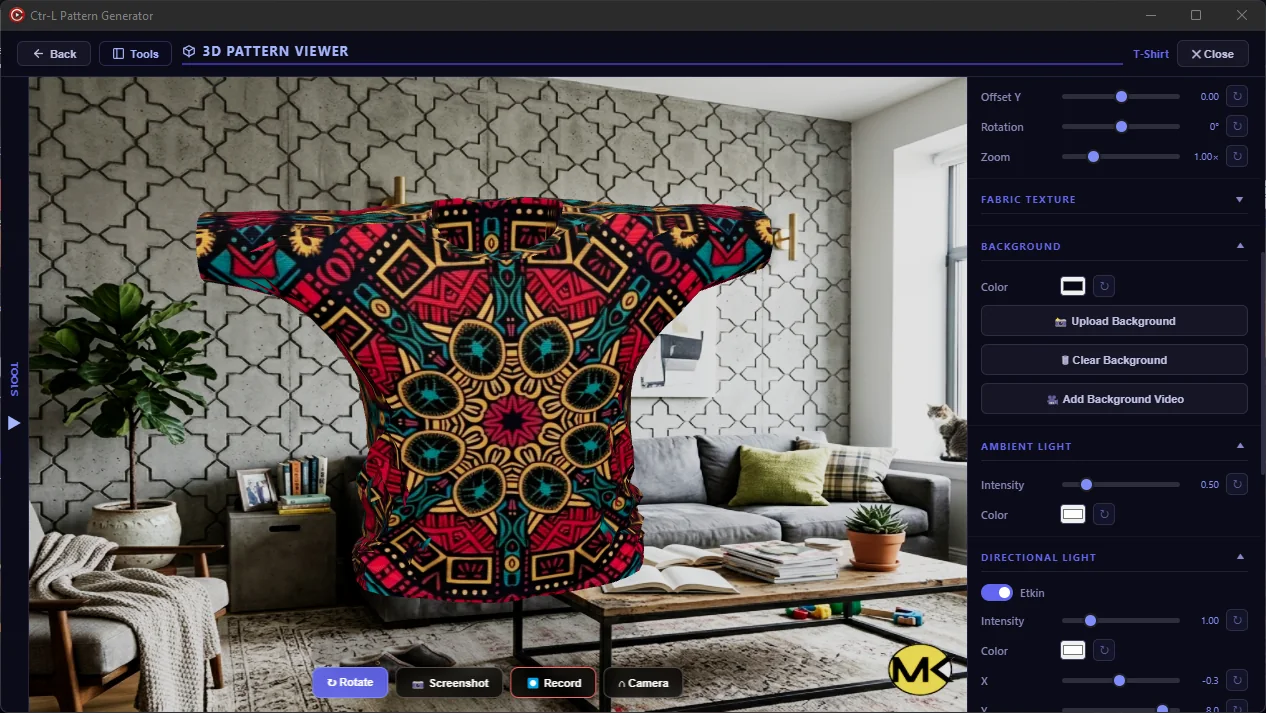
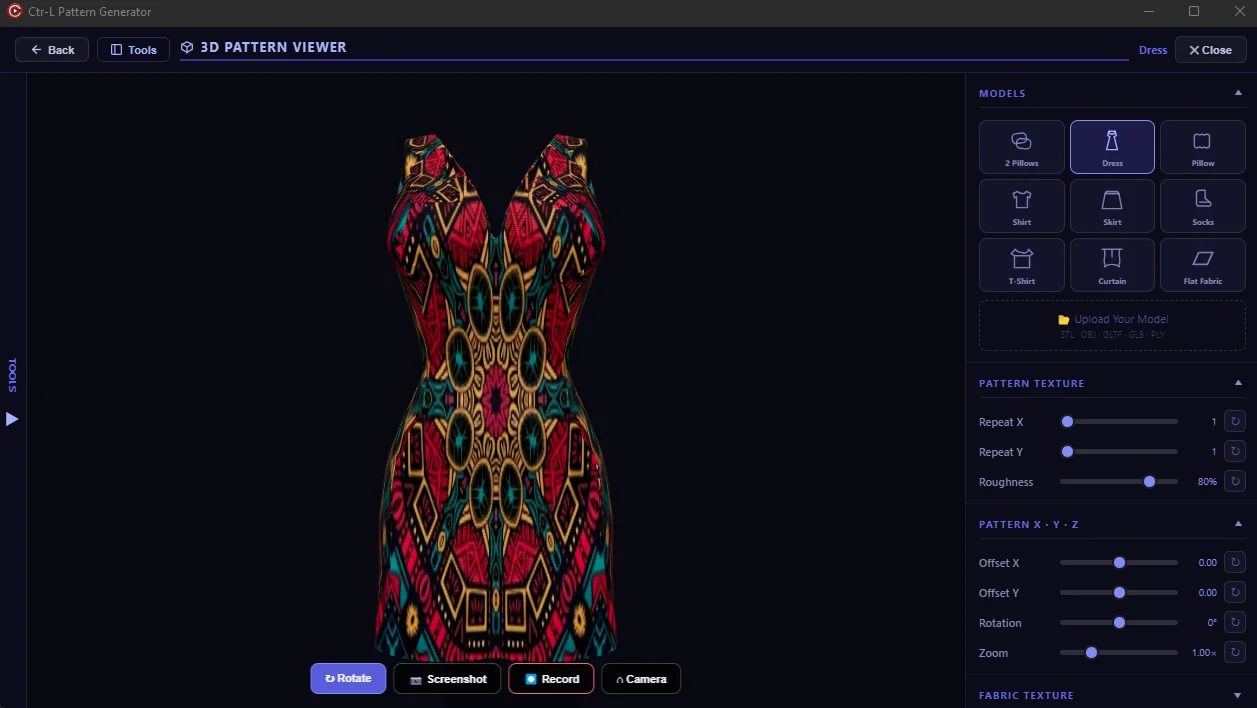
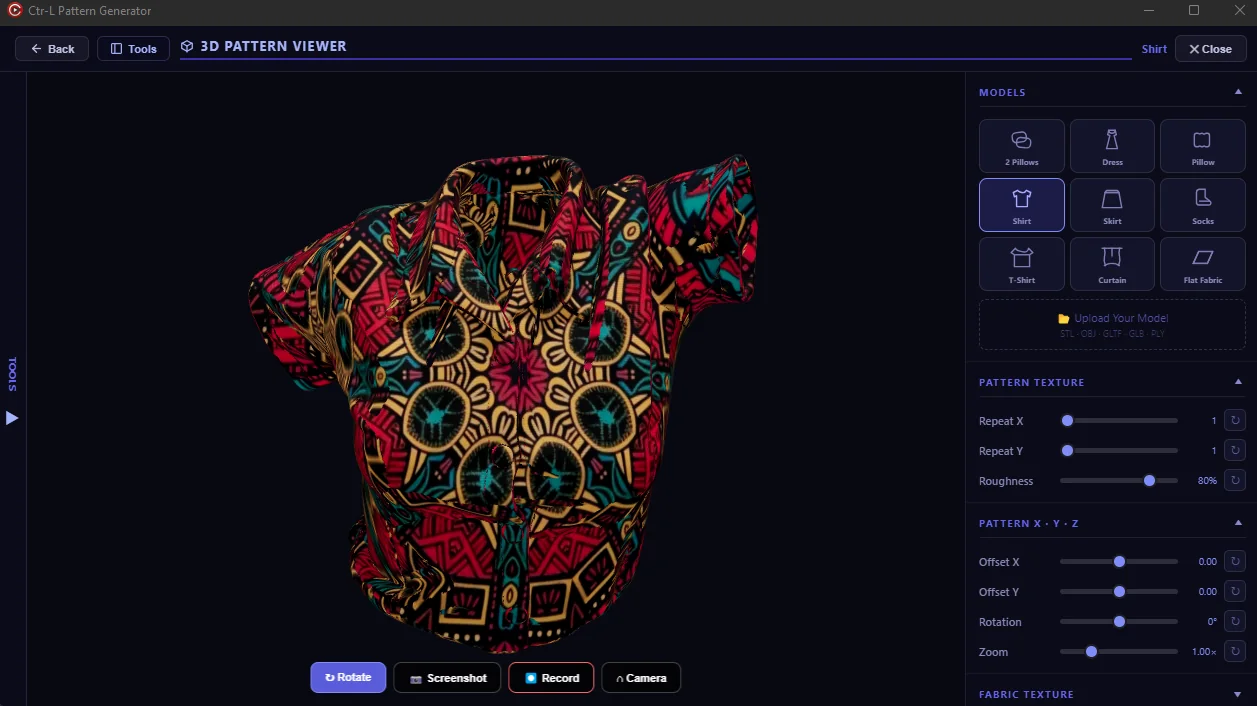
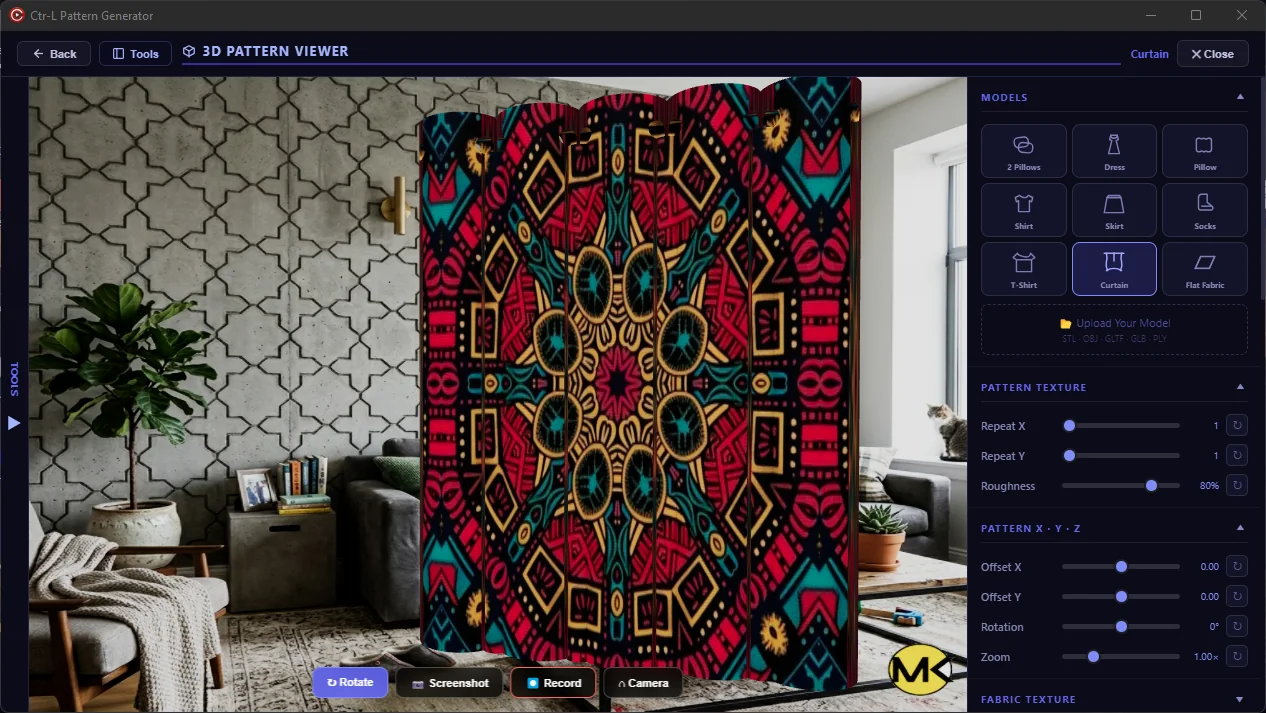
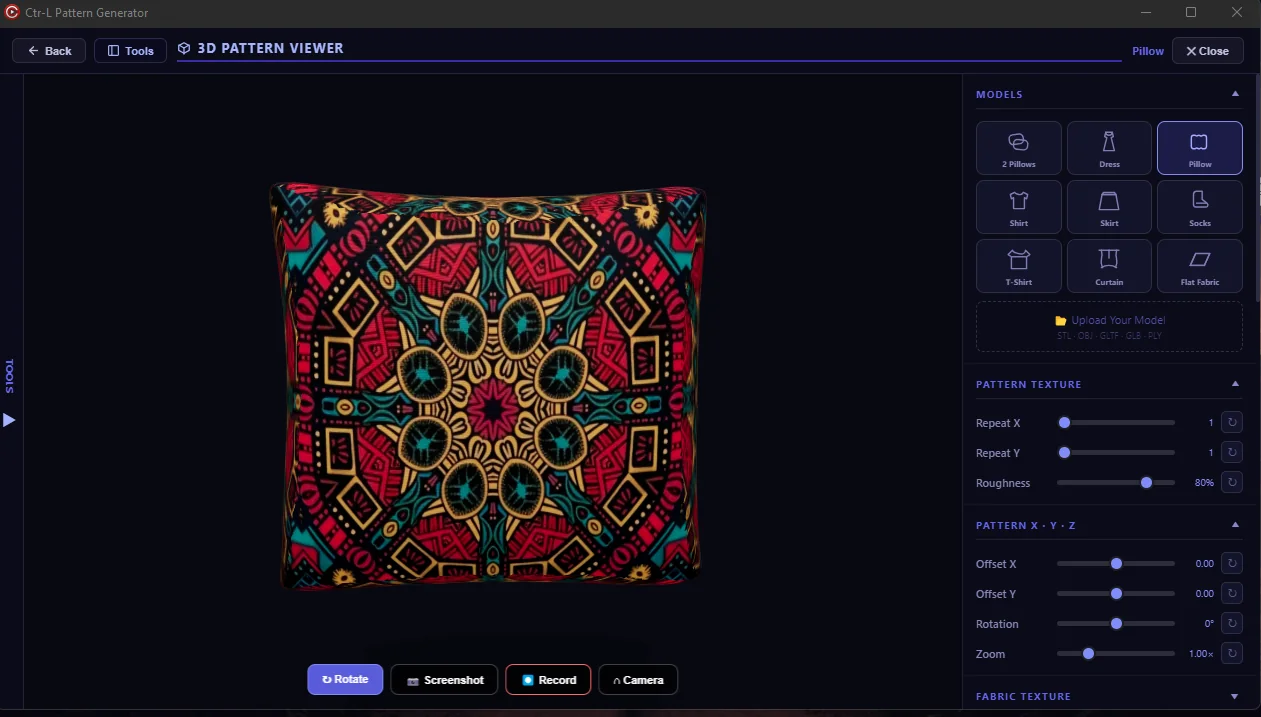
Preview scale, repeat, material and lighting on built-in product models or upload your own 3D model.
Set physical dimensions, resolution and output type once, then export the full design, seamless tile or isolated motif.
A clear workflow keeps every creative decision visible and reversible.
Open a visual, choose one of 32 repeat systems and refine scale, position, rotation and geometry live.
Create colorways, blend variations and test the result on 3D products with controlled lighting and materials.
Prepare marketplace images, print files, vectors, PDFs, stencils and ZIP packages from the same project.
The creator program gives approved educators and content producers campaign links, license support and commission opportunities.
View the creator program →Both options unlock every design, 3D, stencil and export feature. Only the activation allowance and price change.
↻ Download the program and use its built-in 10-day trial before purchasing.
Up to 1000 history steps keep creative exploration under control.
Judge scale and rhythm on 3D products before exporting.
Prepare print, marketplace, vector, PDF and stencil deliverables from one source.
Clear answers about the built-in trial, device activations, payment, license delivery and commercial use.
Ask another question →Download the 10-day trial, test every workflow and activate the annual device license that fits your setup.